



Restoration / Guides / Customers and adjusters
First day · Customers and adjusters
Customers and adjusters: what you’ll see.
Your restoration company uses Sightgrid to keep the record of the job. You don’t need an account or an app.
- 01
Before work starts
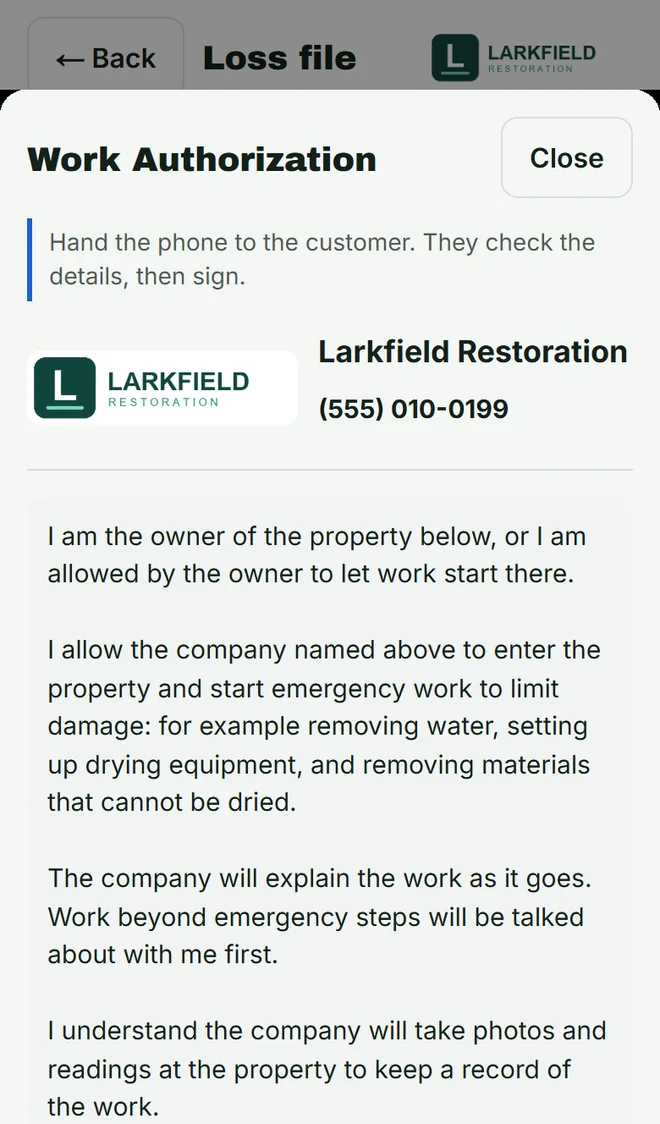
Someone from the company hands you their phone with the work authorization, under the company’s name and phone number. Check the details, read it, and sign with your finger.
- 02
When the work is finished
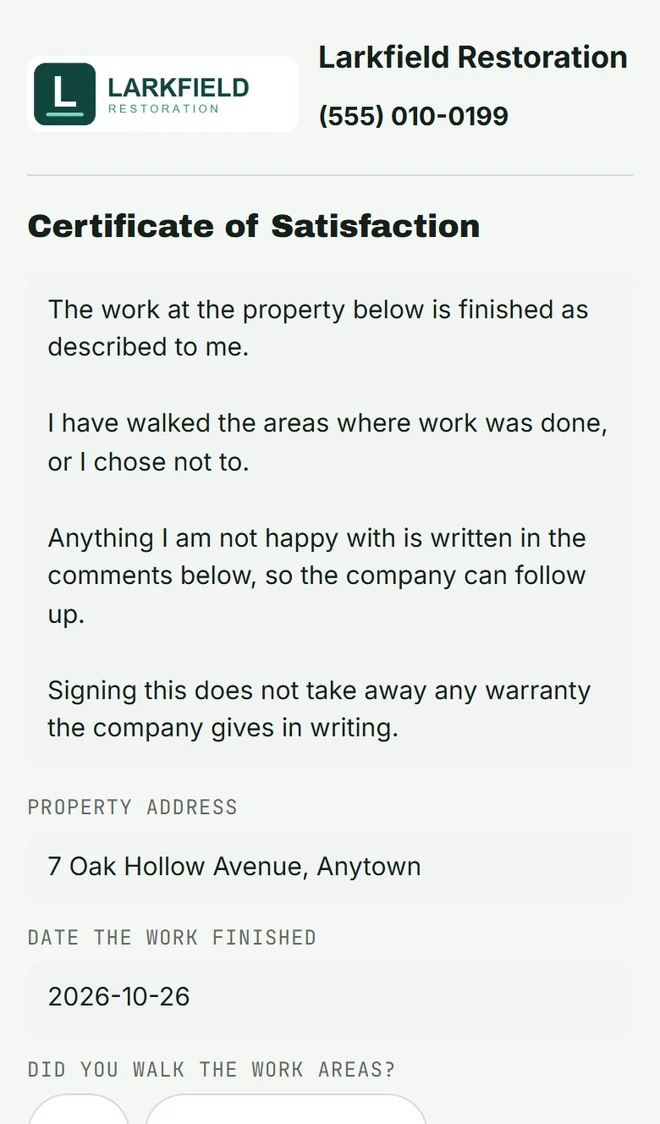
The company sends you a link to the certificate of satisfaction. Open it, read it, type your name and sign. Anything you’re not happy with goes in the comments, so the company can follow up.
- 03
Keep your copy
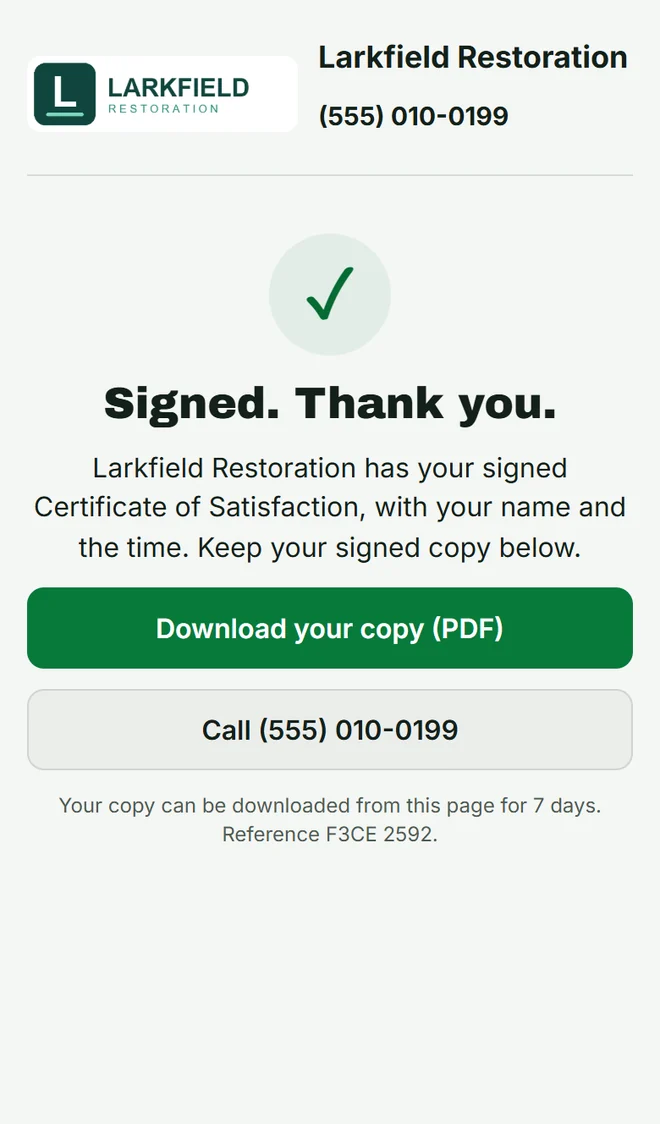
Tap Download your copy (PDF). The page keeps your copy for 7 days. Questions? Tap Call to reach the company.
- 04
Adjusters: open the link
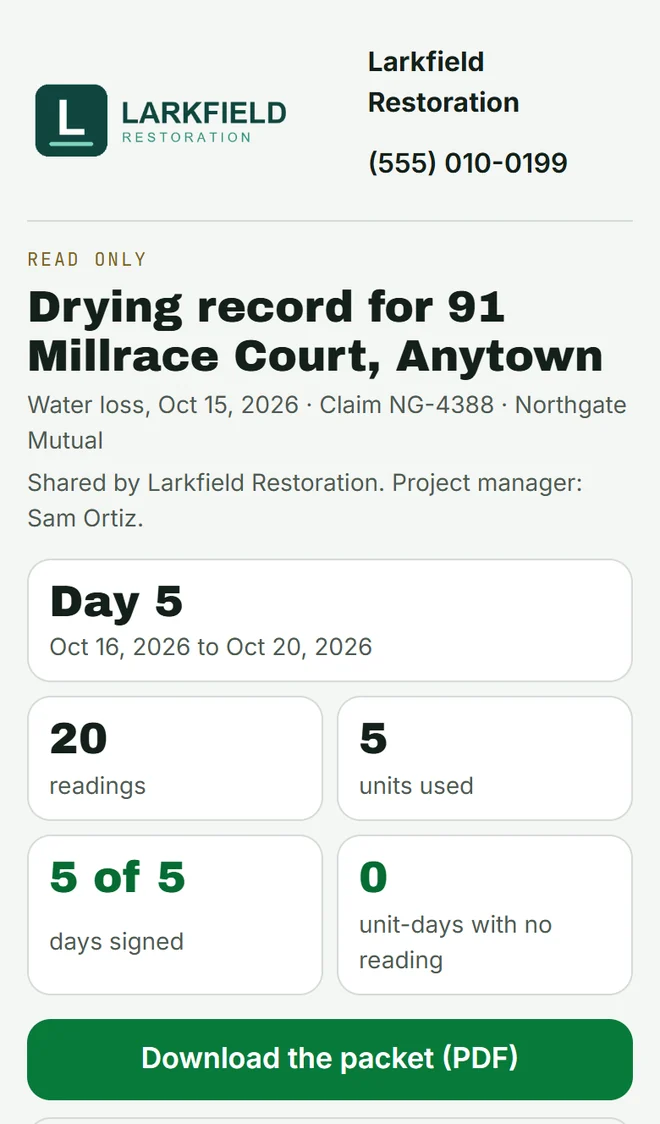
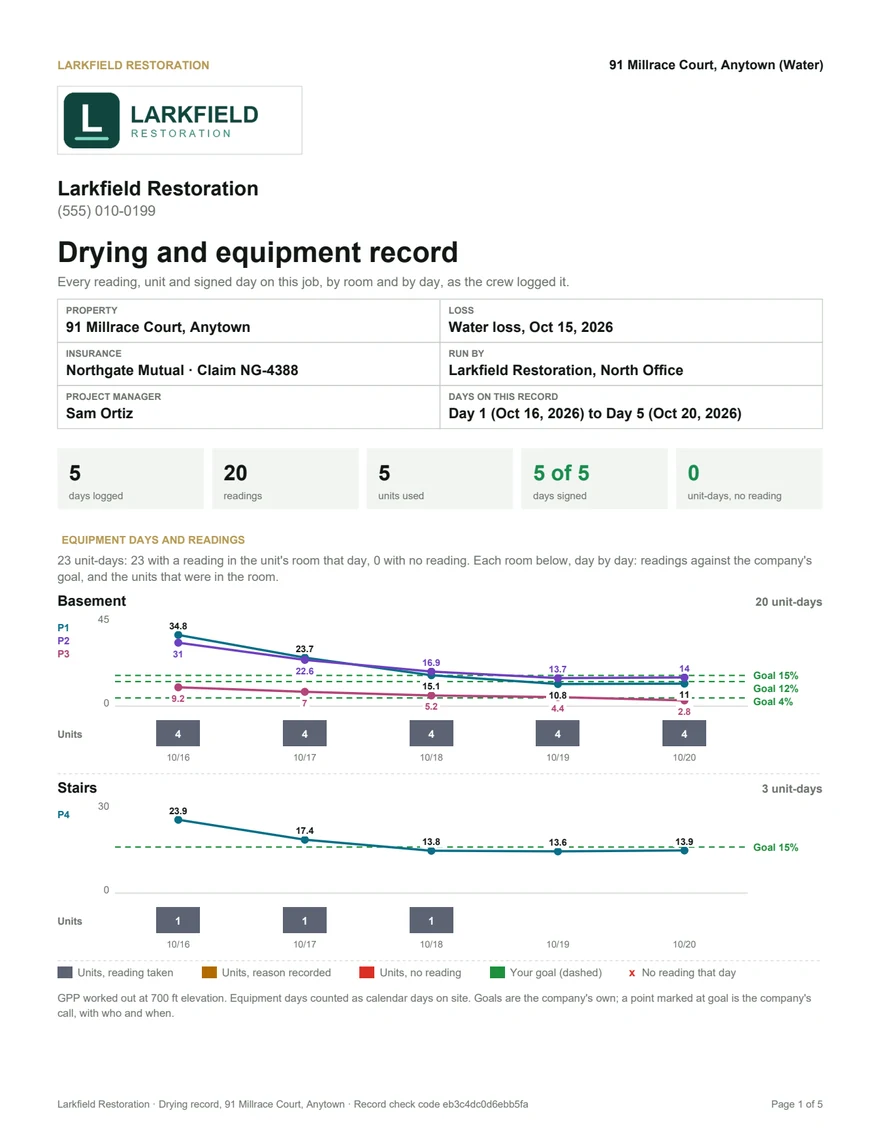
The company sends you a read-only link. It opens on any phone or computer with no sign-in: the loss, the days, the readings, the units and the days signed.
- 05
Adjusters: the packet
Tap Download the packet (PDF): room by room and day by day, with every signed day. Need it in your own system? Open Spreadsheets for your own system.
A link that ran out
Links stop working after a while. Ask the company for a new one.