



Field software for electrical contractors
The whole building, in your pocket.
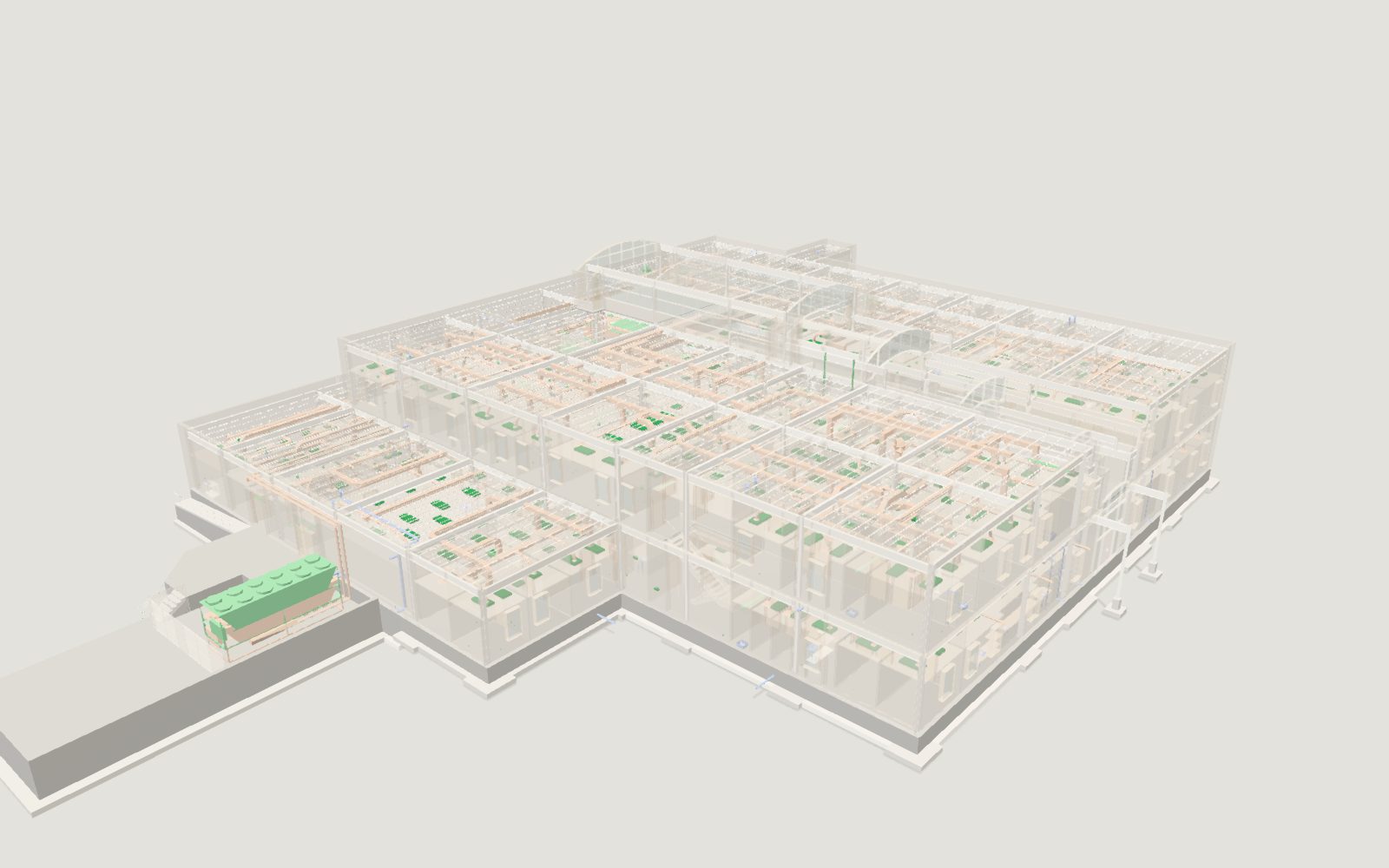
This is the real model, live in your browser: the same sample buildings that open in the app. Turn it, slice it open, show one trade at a time, or take the tour.
Drag to turn. Click the model, then scroll to zoom. Arrow keys work too.
01 · The model
Every trade, in one ceiling.
Structure, ductwork, plumbing and your conduit, in the same space, the way they will be installed. On any phone, iPad or laptop, with no signal needed.
02 · The clash
Found before anyone climbs a ladder.
Where your work meets duct, pipe or steel, the pre-build report has it, by zone and room, before day one.
03 · The fix
Assigned, fixed, photographed.
The right person taps “I’m on it”, reroutes it, and sends a photo. The super clears it. ILLUSTRATION The move is shown on the sample model.
04 · Every company
One job, every company.
Each company keeps its own people and chat. The model and the clashes between trades are shared, and every fix ends with a name, a photo and a time.
05 · On the job
Same model, in every pocket.
The office plans on a computer; the crew installs from a phone. Crew seats are free.
Same building, on a phone
EXAMPLE Where two trades meet.
Opens your models
Every trade. One model.
The architect’s, the engineers’ and your own models go in as IFC, from Revit, Navisworks or any design tool. Sightgrid lines them up into one building, on every phone on the job.
The pre-build report
Clashes found before day one.
Every place your conduit and tray meet duct, pipe, sprinkler or steel, counted by level before anyone climbs a ladder. Mark each one Real, Not a problem or Later, then send the report up the chain.
The office
The whole job, on one screen.
The report, model versions, the companies on the job and the one-line, recorded in the app as it runs.
Photo sign-off
Fixed. Photographed. Signed off.
The foreman taps “I’m on it”, fixes it and sends a photo, saved on the phone first and sent when there’s signal. The super clears it or sends it back with a note. The record can’t be edited; if the office corrects it, the reason stays in the history.
The phone plays the app’s real sign-off screen. The photo is a render of the fix.
The crew
Their work, one tap away.
Their items, the model and Help. They tap “I’m on it” and send a photo when it’s done. No GPS, no tracking. Crew seats are free.
- 01 Their items
- 02 The model
- 03 Help, from the people who built it
One job, everyone on it
Every company. Its own space.
The model and the clashes between trades are shared. Each company keeps its own PM, crew, settings and chat.

The bend check
Bends that can’t be made, caught on paper.
Every conduit bend in the model, held against what that size can really be bent to.
1 in EMT 90 needs 8 in of stub-up; drawn at 6.5 in.
Pricing
Paid seats for the office and field leads. Crew is free.
Other trades and the GC’s people are free too. Founding customers get 50% off for 12 months, in writing.
Field
- The model on every phone, iPad and laptop
- The pre-build report and the clash workflow
- Job chat, model versions, the change report
3 paid seats. Crew free.
Book a field testPro
- Everything in Field
- Takeoff from the model
- Quote requests and change orders
10 paid seats. Crew free.
Book a field testGC edition
- Every company on a covered job, in one place
- Unlimited people on covered jobs
- Branded reports included
Big GCs: a yearly deal.
Talk to usThe field test
One real job, free for the whole job.
Five minutes of feedback a week, a short survey at the end, and we may say you tested it, in words you approve. Your files stay yours.
- Your files stay yours; export the whole job at the end
- Either side can stop with 14 days' notice
- Founding pricing after the test: 50% off for 12 months